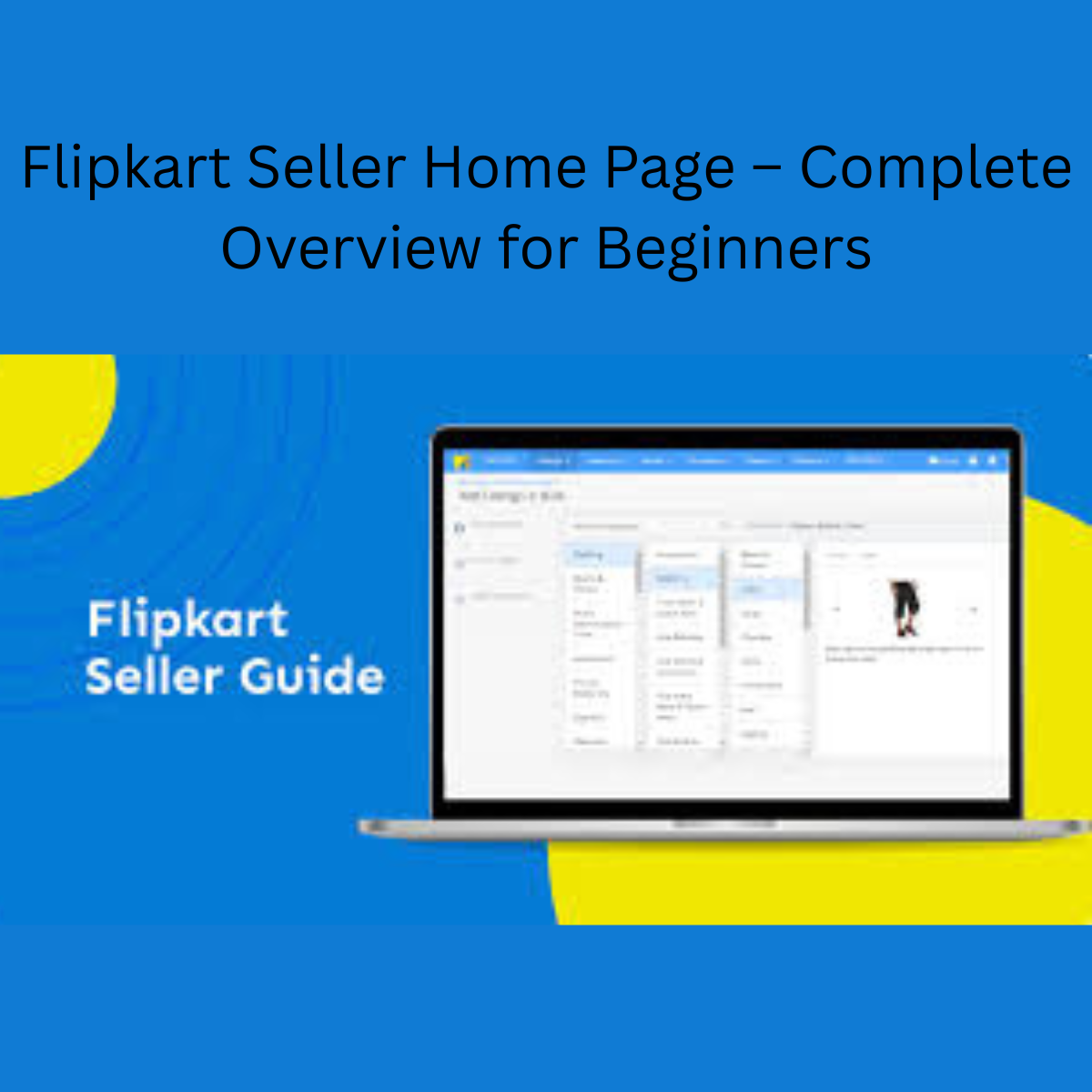

Flipkart Seller Home Page – Complete Overview for Beginners – In the previous step, we learned how to create a Flipkart seller account. Now, in this post, we will teach you how to create a product listing on Flipkart.
When you log in to your seller account, you will see several options such as Home Page, Listing Page, Profile, and more. In this post, we will explain the Home Page, Listing tab, and Profile option in detail, so that beginners can easily understand how the Flipkart seller dashboard works.

How to Create a Product Listing on Flipkart Step by Step for Beginners
Flipkart Seller Dashboard Home Page Overview
On the Home Page, you can see your seller account’s daily performance. It shows details such as how many units have been sold, what your gross revenue is, and other important performance data.
The Home Page also provides insights related to errors, notifications, and available offers. If you understand the Home Page properly, it becomes very easy to track your business performance.
In simple words, the Home Page gives you a small overall overview of your seller account.

On the Home Page, if you look at one corner, you will see the Profile option along with some other options. From here, you can check all your seller account details such as pickup address, bank details, holidays, business details, and more.
If you want to edit or update any information, you can do it from here. However, to change some important details, you may need help from Flipkart Seller Support.
Note:- From the corner of your seller dashboard, you can go to the Help option and raise a ticket for any problem. The Flipkart support team will contact you within 48 hours.



Leave a Reply